Progression is more than adding five pounds
Useful overload can come from load, reps, sets, density, range of motion, or better execution. Barbell Wiz is built to keep those changes attached to the routine instead of buried in memory.
Progression planning
Start with a working weight, choose the increase, and preview each week before you build the block.
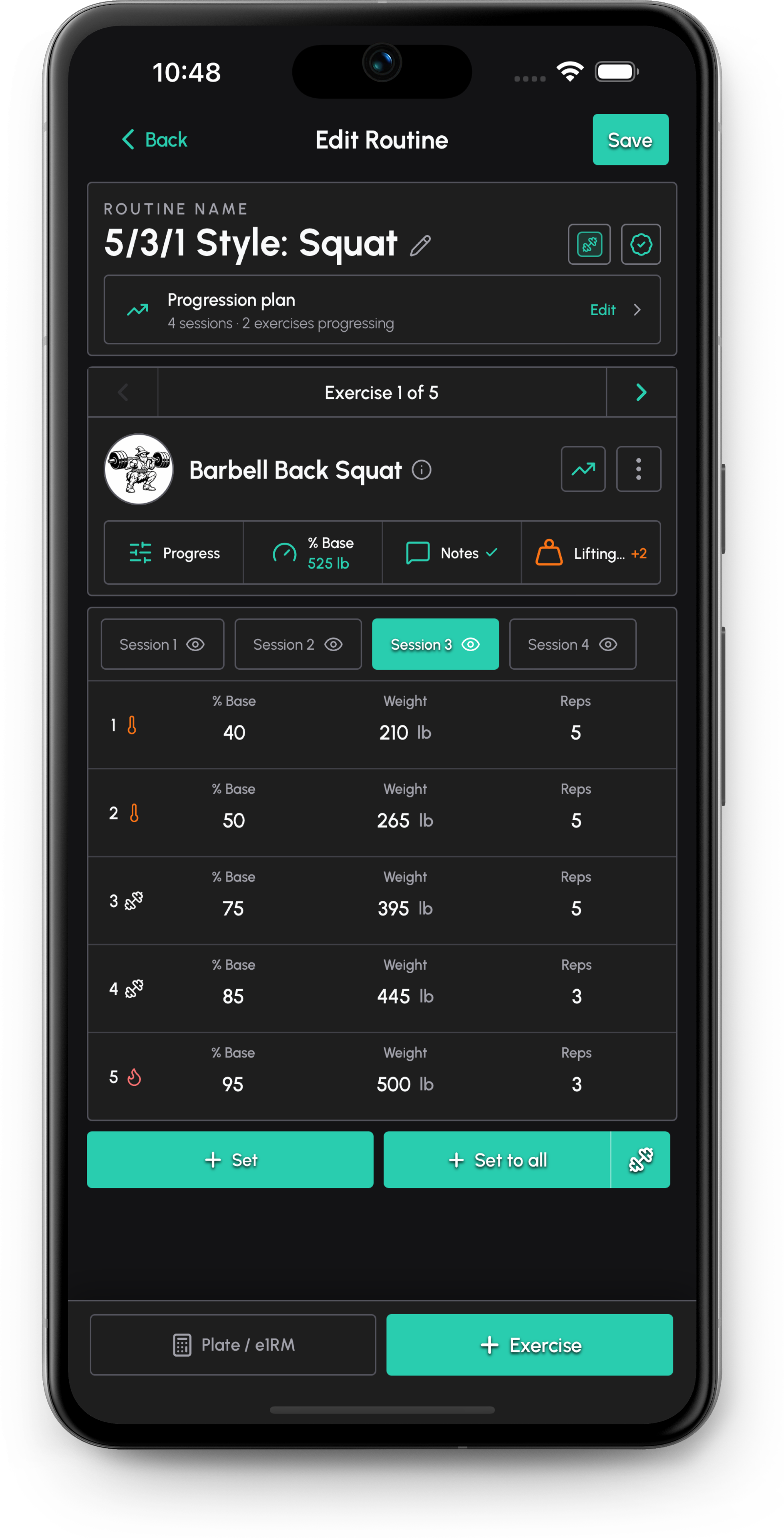
This page includes an interactive Overload calculator for strength training. Open it in a browser to enter your numbers, switch units where supported, and save the result in Barbell Wiz.
Useful overload can come from load, reps, sets, density, range of motion, or better execution. Barbell Wiz is built to keep those changes attached to the routine instead of buried in memory.
A hard top set in a peaking week, when loads are heaviest and reps are lowest, should not be judged the same way as a high-rep volume week. Scope history to the routine, session, or exercise when you review the trend.
Related
Calculate a conservative Training Max from your one-rep max or estimated max, choose a percentage, and round the result to loadable weights.
Calculate workout volume from sets, reps, weight, and exercise coefficients for strength training and program planning.
Track strength workouts, planned sets, RPE, PRs, gear, and progression blocks with Barbell Wiz, a workout tracker built for lifters.
Use Barbell Wiz to run the plan, log the session, and compare the right history afterward.